VS Code unable to connect to Logitech Plugin Service
Fix for "Could not connect to Logi Plugin Service. Ensure service is running and VS Code plugin is installed" when using the MX Keypad with VS Code.

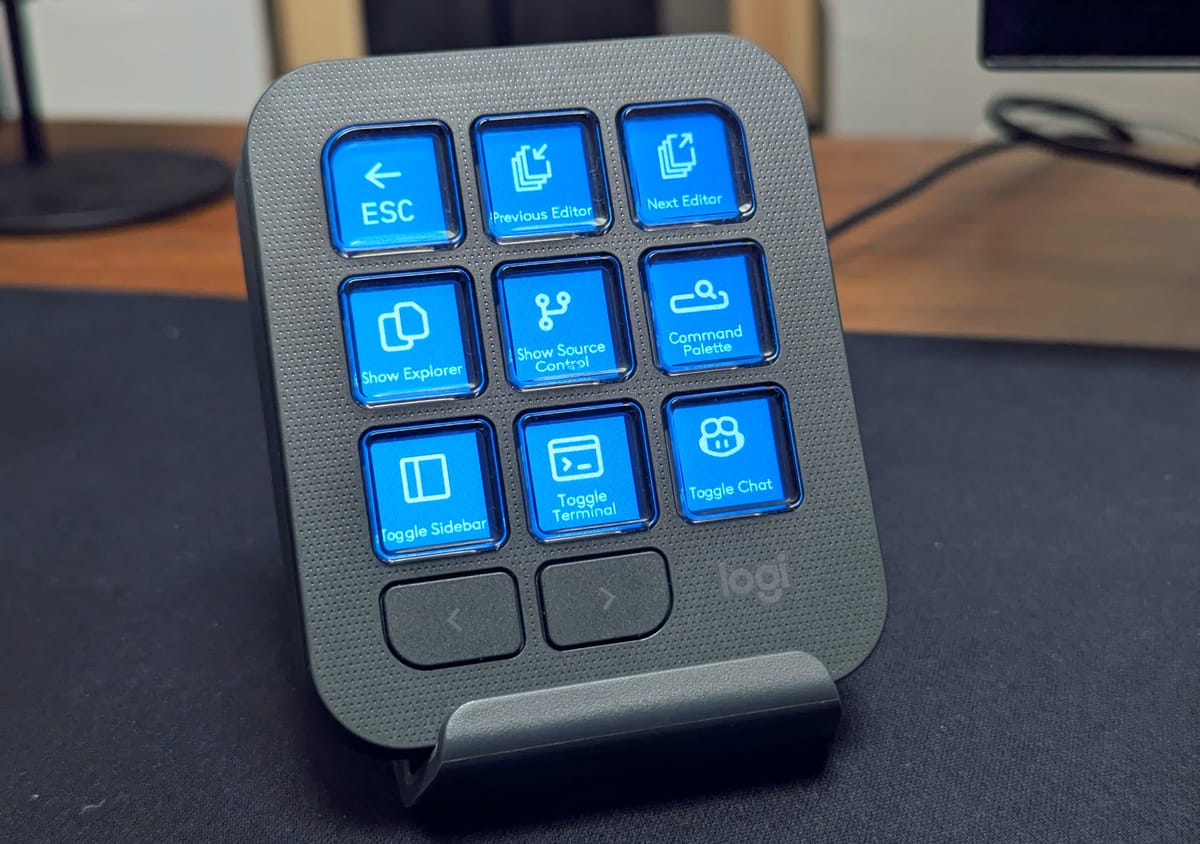
I Bought the new Logitech MX Keypad. To use it with VS Code, you need to install the "Options+" software and "Logi Command Manager" extension to VS Code.
To my disappointment, when trying to use the Keypad with VS Code, I just got the following error: "Could not connect to Logi Plugin Service. Ensure service is running and VS Code plugin is installed."
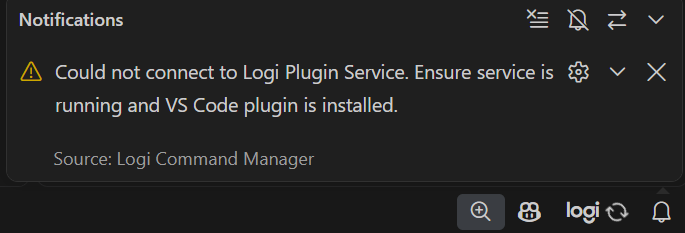
The issue for me was that I am using the remote SSH functionality of VS Code, connecting to my Linux server, where I do most of my development work. All other VS Code extensions "just work" with the remote server functionality, so I didn't catch the issue immediately.
When I finally understood what the problem was, the fix was easy to find. You can force an extension to run locally and developers of an extension can affect that too. But before Logitech fixes their extension, add this VS Code setting to the Remote host to make sure that the "Logi Command Manager" extension installs locally:
"remote.extensionKind": {
  "logi-sw.logiactions": [ "ui" ]
}
After that setting, the Keypad finally connects to VS Code and works.
More information on the Visual Studio website: